With so much video conferencing going on right now, we need to adjust to new etiquette. Here are some tips to consider.
With so much video conferencing going on right now, we need to adjust to new etiquette. Here are some tips to consider:
Use the voice/sound mute always when you are not speaking to cut out background noise.
When you speak, pause 2 seconds as there are delays.
Dress and groom professionally, especially if you are seen in front of clients. I know sweats are super-comfy, but…
Have the light source come from BEHIND your camera/computer so that people can clearly see your face.
Minimize background distractions or be sure your background looks attractive and tidy.
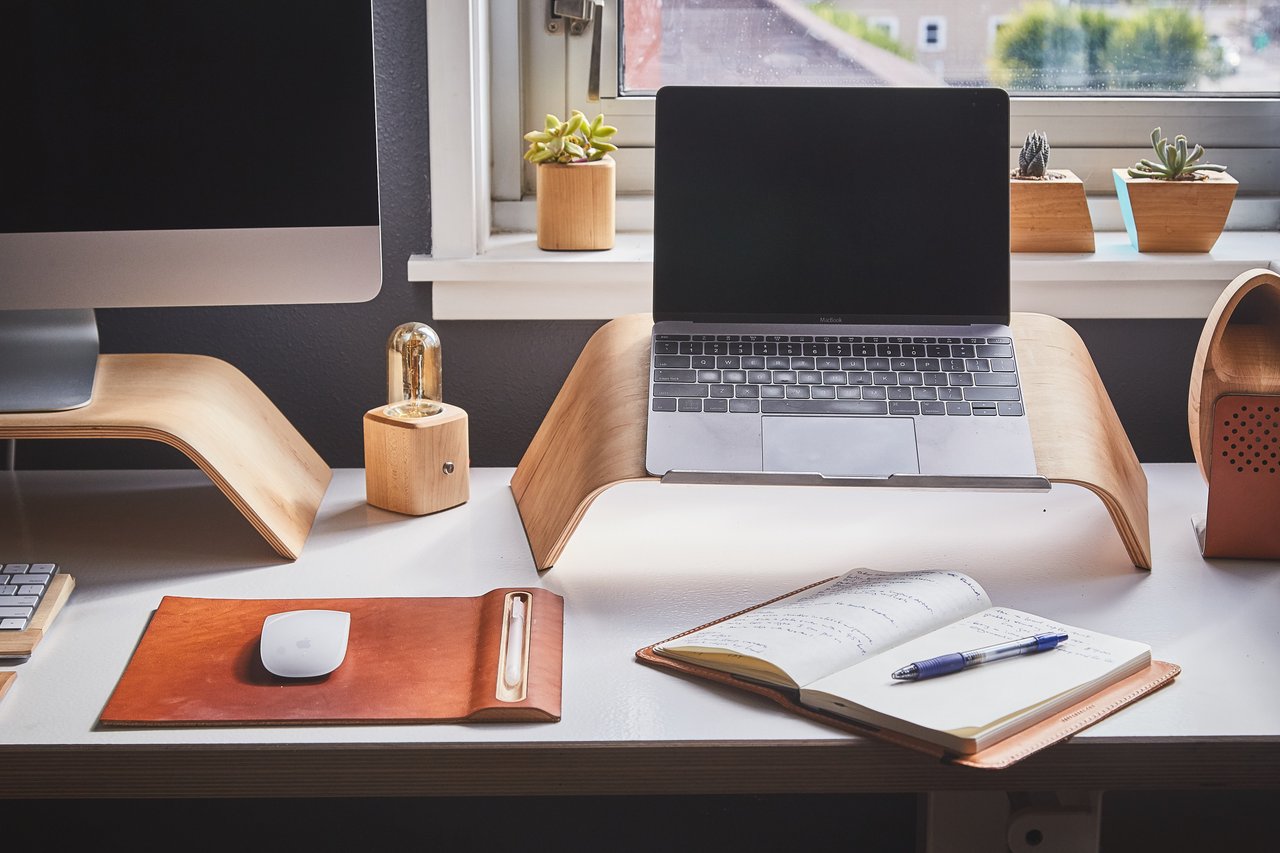
Adjust your seat height or prop up your laptop so that you have a nice squared shot of yourself, centered, as if you were being interviewed on 60 Minutes.
Speak up, speak clearly, and smile a bit too!
Since Zoom has become the go-to video conferencing platform of choice, here are additional tips specific to Zoom.
Make your custom meeting ID your phone # AND use a password. Only those with a password can access the meeting. Otherwise anyone with the meeting ID can join.
In Settings you can “Touch up Appearance”.
In Settings, enable “Mute When Joining” and “Waiting Room”.
Hold Space Bar to unmute or talk.
You can mirror your phone via AirPly or HDMI.
Enable auto record. If you are a podcaster, use the audio file from recording.
Choose a virtual background or upload your own.
Work with Us
Tira & Melanie are highly experienced real estate professionals. Contact them to start your real estate journey today.